Signia app
Download the Signia app
- Click on the download badges and open the App Store (for iPhone) or Google Play (for Android)
- If neccessary search for "Signia app"
- Tap "Download" or "Install"
- Once installed, open the app and follow the on-screen instructions to pair it with your hearing aids.
- Allow the app to access Bluetooth and notifications when prompted — this ensures full functionality
Direct links to app stores:


Signia app troubleshooting
If you're experiencing issues with the Signia app, let's try these steps to see if proper functionality can be restored:
If too many apps are running in the background, general app performance can suffer. Let's start with the simplest of solutions and turn the phone off and back on. Completely power the phone off. After 30 seconds, power the phone back on. When the phone is fully powered on, launch the Signia app and check for functionality.
To restart the hearing aids:
- For rechargeable hearing aids, place them in the charger for 10 seconds. After 10 seconds, take the hearing aids back out. They will turn on automatically.
- For hearing aid that use exchangeable batteries, open and close the battery doors. If the batteries are close to being depleted, please exchange the batteries for a new one.
- Open the Signia app.
- Tap on the three lines in the top left.
- Go to Settings > App Settings > Set up the app.
- Press 'OK' to the pop-up indicating that the app will be reset. This reset process does not affect the programming of the hearing aids.
- If the hearing aids support Bluetooth connectivity, select the Bluetooth option from the list of choices and follow on-screen instructions.
- If the hearing aids are not Bluetooth compatible, select the Manual option from the list of choices and follow on-screen instructions.
- Once the setup is complete, check for functionality.
- Tap and hold on the Signia app icon and choose the Uninstall/Delete option.
- Navigate to the Google Play store or the Apple App Store and search for the Signia app.
- Tap on the Install or download button (e.g. cloud icon with a down arrow) to reinstall the app.
- After reinstallation is complete, launch the app, accept the terms and conditions, and choose the appropriate setup option.
- If/when prompted for Bluetooth permissions, please grant the request.
- When the setup is complete, check for functionality.
Please see the steps for reconnecting the hearing aids to your phone on the Connectivity & pairing page.
By design, whenever the hearing aids turn off and on (e.g. placed in charger and taken back out), the hearing aids will apply default settings. The default program is always the Universal program which is in program slot 1 (depending on your hearing aid model, you can have up to 4 or 6 total hearing programs – see your hearing care professional for more information about program options). The default volume of the hearing aids is represented by a value of 8 in the app; the default balance, 0; the default Direction (if supported), Auto.
If you find yourself making large adjustments at the beginning of the day to any of these settings as soon as you wear your hearing aids, the best thing to do is to visit your hearing care professional. Let them know what adjustments you are making in the app, and they can fine tune the default settings of the hearing aids to match. Afterwards, even though the values in the app will still default to the same ones as previously mentioned when the hearing aids reboot, how the hearing aids sound will be closer to what you prefer.
It's possible that the phone and/or the operating system of the phone is not compatible with the Signia app. Please check the compatibility requirements listed on the Device compatibility page.
Ensure that your smartphone and hearing aids are compatible with the app. Some features may not work with older hearing aid models or certain phone operating systems.
FAQs for the Signia app
Download the Signia app for free in the Apple App Store and Google Play Store.
The Signia app is compatible with the most hearing aids from Signia.
If you're not sure if your hearing aid model is compatible and cannot find this information on any paperwork, invoice, user guide, or invoice, please contact your hearing care professional. They can also let you know whether the hearing aids have Bluetooth capabilities to take advantage of the Bluetooth-dependent features of the app.
The Signia app offers you a wide variety of individual adjustment options enabling further personalization of your hearing experience:
- Change the hearing program and microphone volume level (i.e. how loud the sounds are in your environment)
- Adjust the sound balance for environment audio and streaming audio (softer for a rounder, less-tinny sound quality; sharper for a more detailed, crisper sound quality)
- Adjust the Tinnitus therapy signal (if available - check with hearing care provider regarding availability)
- *Adjust the direction in which the hearing aid microphones focus (front, back, left right; if front direction is selected, the angle of focus can be changed from 15°-360°)
- Control the streaming level coming from streaming accessories (e.g. StreamLine TV, StreamLine Mic, CROS devices, etc.). These streaming levels are independent of your hearing aid microphone levels. This feature only shows up if the app is connected via Bluetooth
- Stay in closer contact with your hearing care professional and get individual remote support via TeleCare (a prior activation by your hearing care professional is needed. For more information about this feature or for instructions on setup, please contact your hearing care professional)
- *Speech Enhancer (Mask Mode). When enabled, the hearing aid microphones will further highlight speech signals for a boost in speech understanding and clarity
- *View and track hearing aid usage habits through My WellBeing
- *AI Signia Assistant to further personalize your hearing experience, especially in challenging listening situations. See further down the page for more information
*only supported on specific hearing aid models
TeleCare is a telehealth service that your hearing care professional has the option of using with their patients. It enables the hearing care professional to see hearing aid usage statistics, receive feedback on your experience with the hearing aids, chat with you via text messages within the Signia app, and perform remote changes as if you were sitting in the office with your hearing aids connected to the programming software. If you are interested in this feature/service, contact your hearing care professional to find out if they use TeleCare with their Signia patients. If they do, they can guide you through the TeleCare setup in the app.
TeleCare is not necessary for app usage as the app is fully functional without TeleCare. If your hearing care professional doesn’t use TeleCare or you want to skip that portion of the setup (you can always revisit it later), choose the “Set up later” option on the TeleCare screen during the app’s initial setup routine.
How to pair your hearing aids
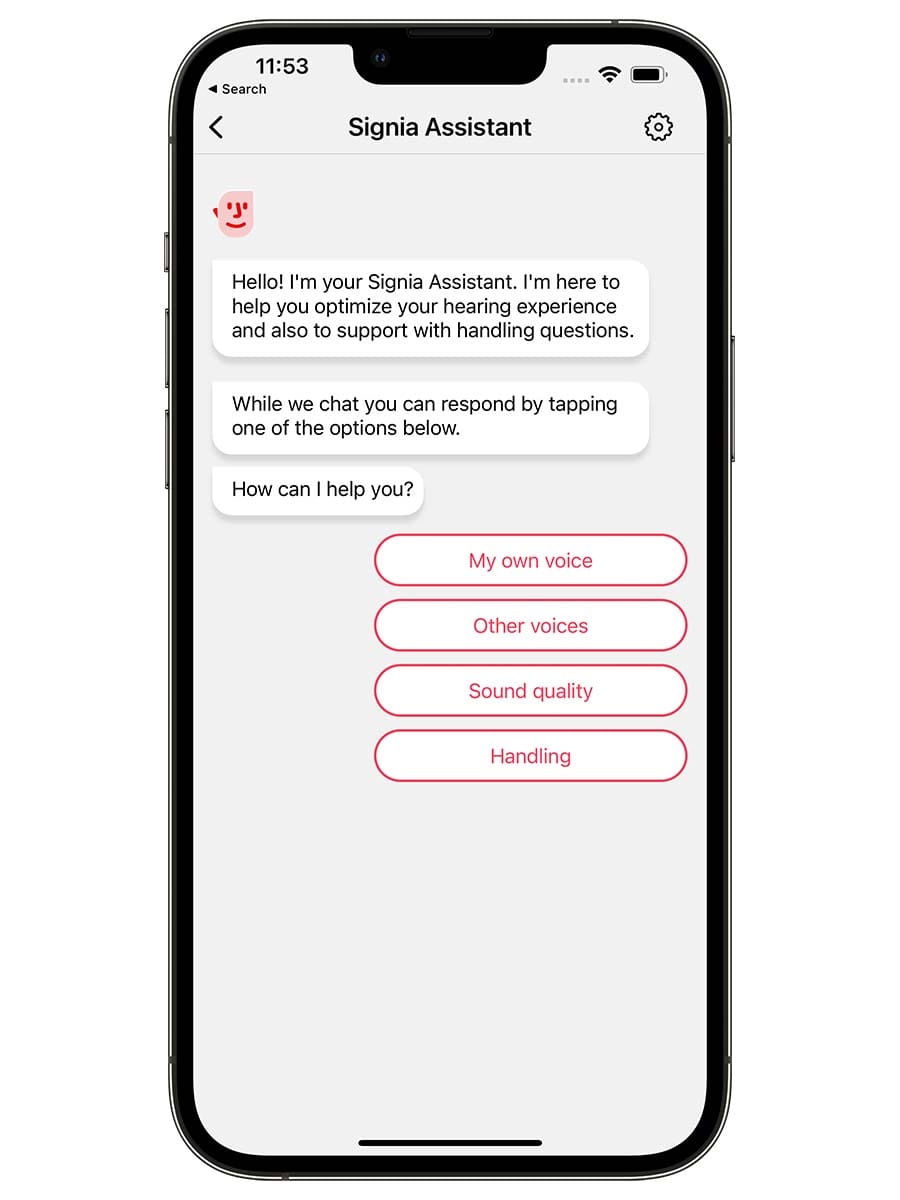
Signia Assistant
How to get started with the Signia Assistant
- When opening the Signia app, the Signia Assistant’s face appears at the top of your screen.
- Tap on the Signia Assistant to begin chatting with it.
- Choose from a list of options to address your need.
- Continue to answer the Signia Assistant’s questions.
- Based on your answers, the Assistant will make changes to the default Universal program.
- You can: keep the new settings, revert, or keep improving them further. It helps to use the Signia Assistant in the environment you want to hear better in so that changes can be noticed immediately
- Under “Settings” (gear icon, top right) you can start a new chat, learn about our data policy, or revert your newly applied defaults to the ones your hearing care professional programmed.
- You can also start a new chat with the Signia Assistant.
Note: Your hearing care professional will be able to see what changes the Signia Assistant is making. This enables them further understand your listening needs and preferences which will help in future follow-up appointments
FAQs for the Signia Assistant
The Signia Assistant is an AI companion that uses a live neural network to constantly learn what hearing aid programming solutions work best for different types of challenging listening situations. Based on a user's responses to the Signia Assistant's inquiries, it will apply those solutions to the user's hearing aids. If the particular solution doesn't result in immediate improvement, it will try a different approach.
The Signia Assistant is compatible with Bluetooth-enabled Signia X, AX, and IX hearing aids. CROS and BiCROS fittings are not compatible with the Signia Assistant.
No, all the changes made by the Assistant are applied to the default Universal Program. This means that whenever the hearing aids turn on, the changes the Assistant has made will be present. If the hearing aids are in another program, applying changes to the hearing aids through the Assistant will switch the hearing aids back to the default Universal program (i.e. program 1). No changes are made to non-default programs.
If the hearing aids are Signia AX and IX hearing aids with current firmware, the Signia Assistant will be able to make changes to the quality of streaming audio. While audio is streaming to the hearing aids, launch the Signia Assistant in the Signia app and an option for Sound streaming will appear.
You can revert the hearing aids back to the original settings programmed by your hearing care provider. In the Signia Assistant window, tap on the gear icon in the top right and choose the Revert all changes option.
No, the neural network used by the Signia Assistant is cloud-based.
Signia cannot trace any personal information. The entire cloud-based neural network is 100% anonymized and only big group data is analyzed; no individual data is collected. The group data analysis allows the Signia Assistant to constantly update it's database of solutions, making sure the most effective solutions are given priority. Our privacy policy is displayed in the app (3 lines in the top left->Settings->Privacy management->Signia Assistant privacy settings).
Looking for user guides or safety instructions?
Use our document portal to find and download pdfs relevant to your hearing aids and accessories.
Document portal
Need more support? Try out these sections.

Connectivity & pairing

Device compatibility

Accessories
Connect to the world with your Signia hearing aids

Signia app
Easy to use, it lets you discreetly control the volume and other settings while streaming audio directly into your ears.

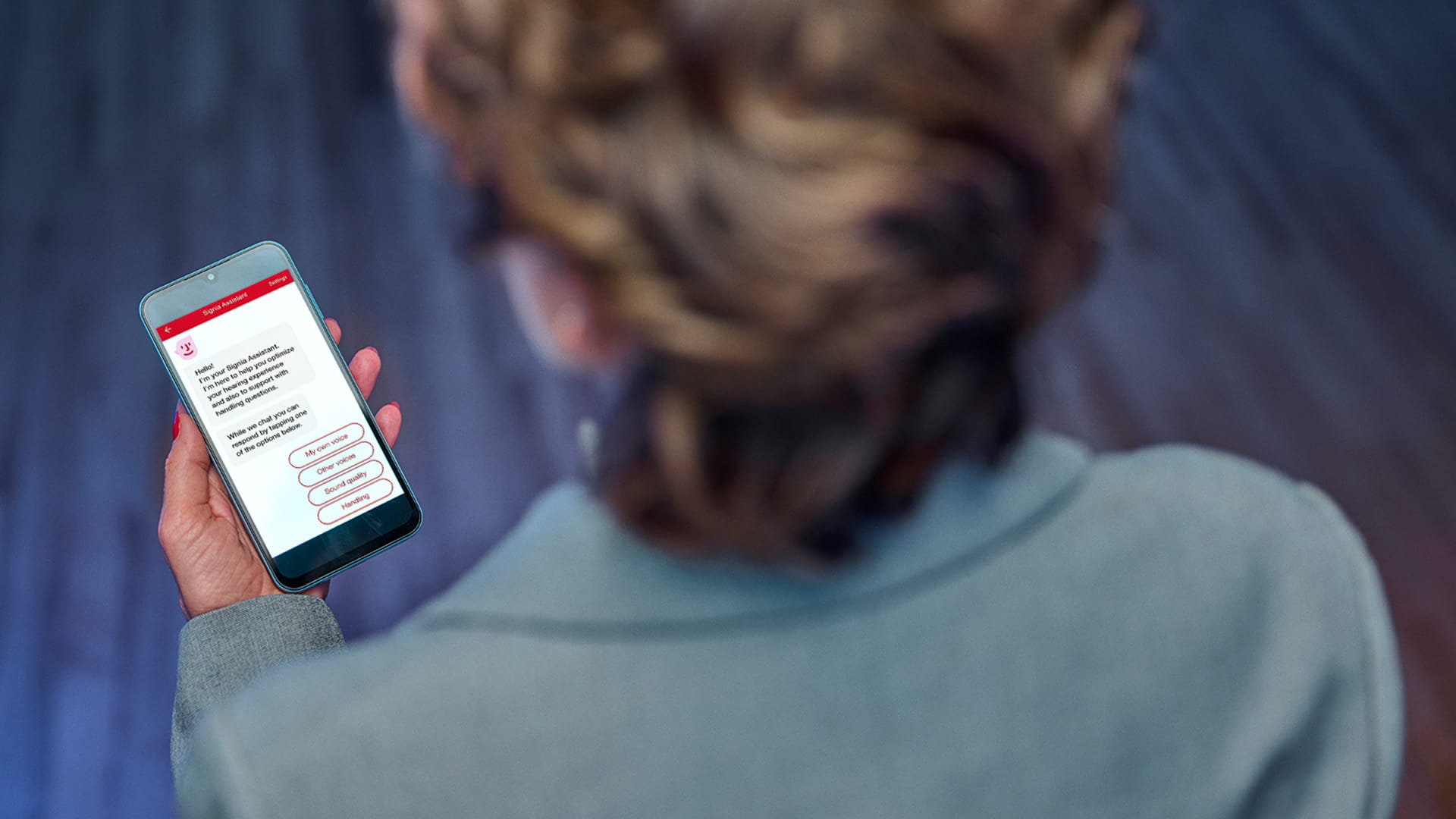
Signia Assistant
Using artificial intelligence, the Signia Assistant learns your preferences to give you the most personal hearing experience possible and to support you in challenging situations
TeleCare
Signia TeleCare enables you to keep in touch with your hearing care professional, so you get support when you need it.