Signia App & Signia One app

You're in control

The Signia App and Signia One App give you everything you need to enjoy your hearing aids to the fullest, all tailored around your personal preferences. With audio streaming, remote control, and remote support options, all you need is your smartphone. 

Easy to use, these features allow you to discreetly control the volume and other settings of your hearing aids, all while streaming comfortable audio directly into your ears. 

With the Signia App and Signia One App*, you can also receive immediate support whenever and wherever you need it via Signia Assistant. You can also stay in touch with your Hearing Care Professional via TeleCare, giving you remote support options when you can't visit them in person. 

*Specific app depends on the hearing aid platform. 
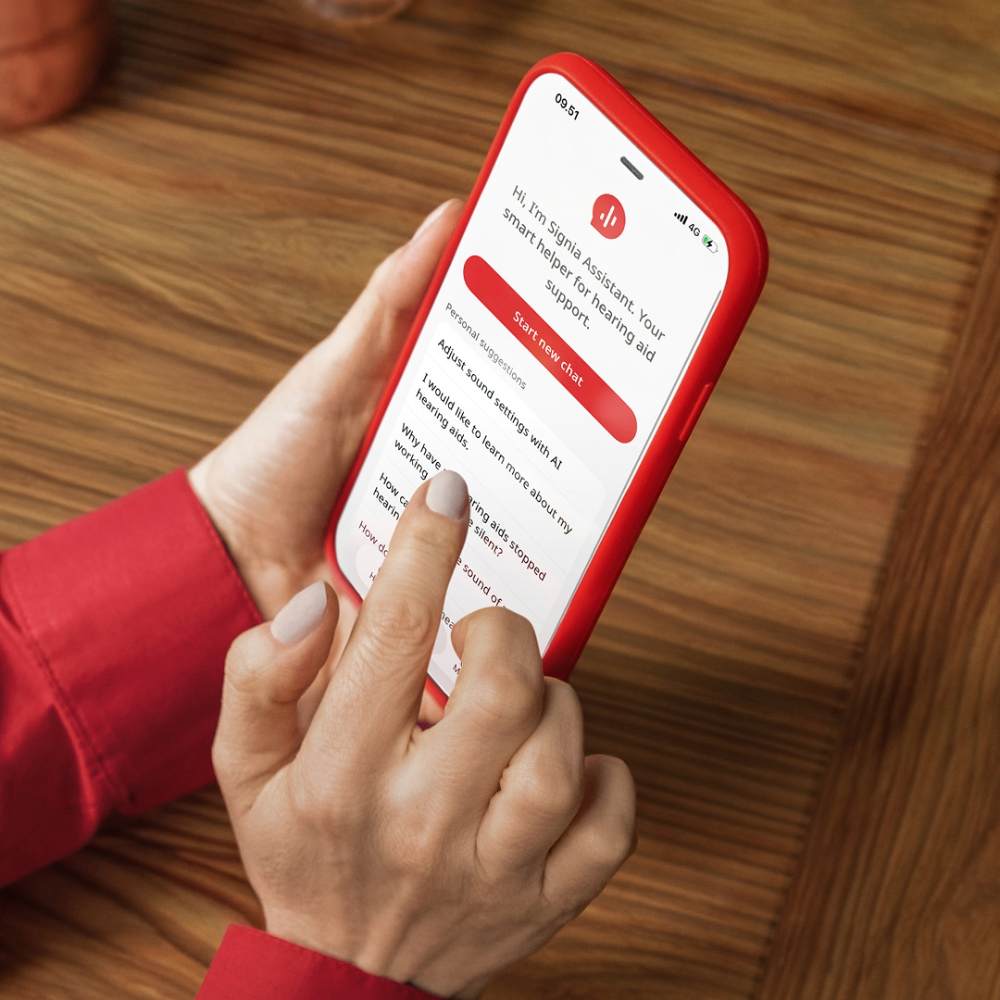
Signia One App with New Signia Assistant for Multi-adaptive Xperience Hearing Aids 

Signia One App 

Simpler, clearer, and easier to use with improved accessibility and intuitive navigation.

Full of new features:  

  • Full VoiceOver (iOS) and TalkBack (Android) support
  • Effortless Bluetooth setup and reliable connectivity 
  • Intuitive gestures to swipe through programs 
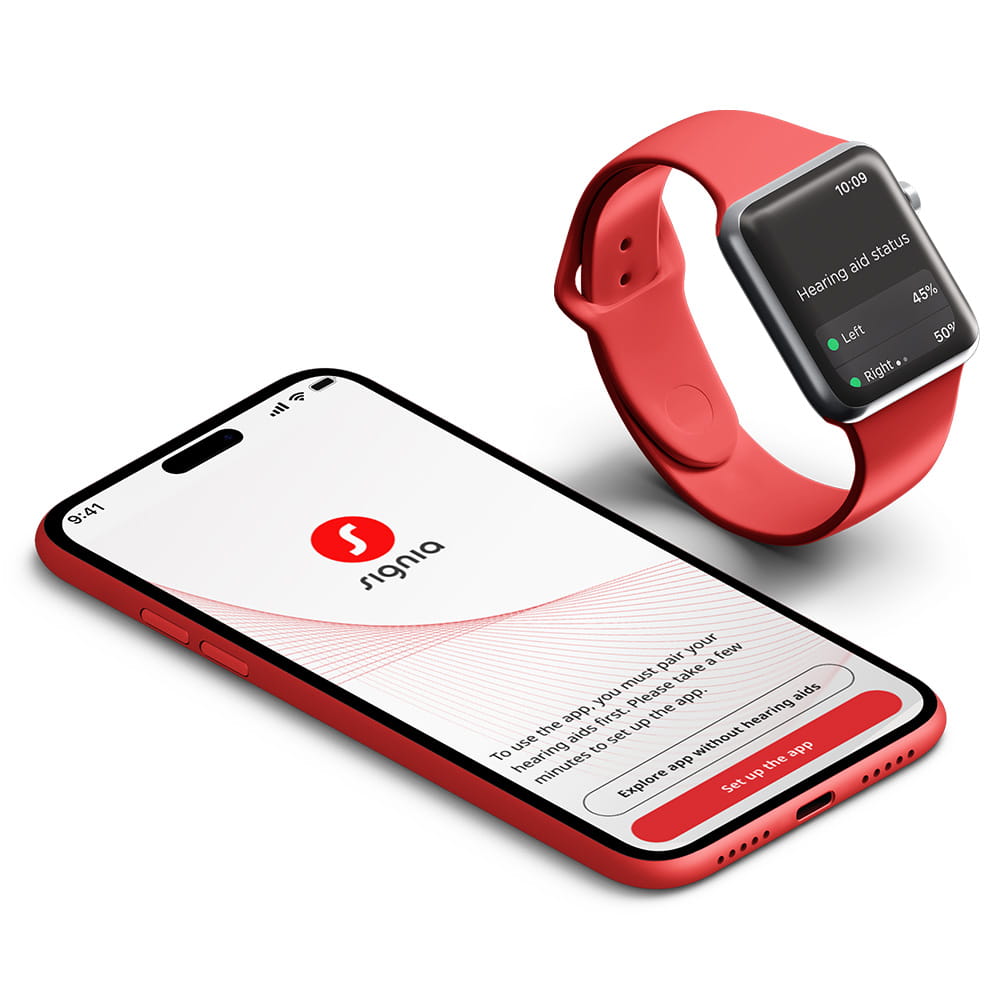
  • Apple Watch compatibility
Find out more

Signia One: Functionality at a glance

Signia One App: New Signia Assistant

  • New Generative AI Assistant: personalized AI support, 24/7 with context-aware answers for real hearing situations
  • Guided Fine Tuning: New assistant understands your current hearing situation and suggests simple ways to improve it 
Universial Remote Control Screenshot

Remote control

  • Hearing program and volume control
  • Continuous monitoring of the hearing aid's connection and battery status

New Fine-tuning

  • Remote Fine Tuning: your Hearing Care Professional makes hearing aid programming adjustments wherever you are without the need to go the clinic
  • Guided Fine Tuning: New assistant understands the user’s current hearing situation and suggest simple ways to improve it

Directional focus

360° hearing aid microphone steering for adjustment of directionality
Universial Remote Control Screenshot

Connectivity & streaming

  • Easy management of audio streaming accessories (e.g. Connexx TV Sound)
  • Volume level control while streaming

Support for connectivity and pairing of hearing aids

Find support

Are you interested in getting remote support? Contact your Hearing Care Professional.

Store Locator
Phone and smart watch with Signia One app

Signia One App

For Signia MaX hearing aids
scan the QR code to download

Download now:

Signia App

For all other Signia hearing aids

Download now:

FAQs

The Signia One App is available for complimentary download in the Apple App Store and Google Play store of all compatible iOS and Android devices.

The Signia One App is compatible with the Signia MaX hearing aids. 

The Signia One App is compatible with iOS 17 or newer and Android 13 or newer devices. You will find the list of the recommended Android devices for the optimal app stability on the Device Compatibility website

Using the Signia One App, you can:

  • Change the hearing program and microphone volume level;
  • Adjust the tinnitus therapy signal (if available);
  • Adjust the directionality of the hearing aid microphone by using Directional focus;
  • Manage your audio streaming devices (e.g., Connexx TV Sound) and control their volumes discreetly;
  • Stay in closer contact with your hearing care professional and get individual remote support via TeleCare (a prior activation by your hearing care professional is needed.

As a result, the Signia One App offers you a wide variety of individual adjustment options enabling further personalization of your hearing experience.  Signia One App functionality is dependent on Signia hearing aid model and performance level. 

Depending on the operating system of your mobile device as well as the type of your hearing aids, the Signia One App may require some initial permissions like:

  • Receiving notifications to support features like TeleCare or relevant hearing aid updates
  • Accessing location and Bluetooth device discovery services for Bluetooth connectivity and feature support
  • Accessing the microphone for usage with Signia Assistant (optional)

The Signia app is available for complimentary download in the Apple App Store and Google Play store of all compatible iOS and Android devices.

The Signia app is compatible with Signia binax, primax, Nx, X, AX, and IX hearing aids.

The Signia app is compatible with iOS 15 or newer and Android 10 or newer devices. You will find the list of the recommended Android devices for the optimal app stability on the Device Compatibility website

Using the Signia app, you can:

  • Change the hearing program and microphone volume level;
  • Adjust the sound balance (base and trebel);
  • Adjust the tinnitus therapy signal (if available);
  • Adjust the directionality of the hearing aid microphone by using the 360° Directional hearing feature;
  • Manage your audio streaming devices (e.g., StreamLine TV, StreamLine Mic, CROS devices, etc.) and control their volumes discreetly;
  • Stay in closer contact with your hearing care professional and get individual remote support via TeleCare (a prior activation by your hearing care professional is needed.

As a result, the Signia app offers you a wide variety of individual adjustment options enabling further personalization of your hearing experience.  Signia app functionality is dependent on Signia hearing aid model and performance level. 

Depending on the operating system of your mobile device as well as the type of your hearing aids, the Signia app may require some initial permissions like:

  • Receiving notifications
  • Accessing the motion of smartphone
  • Accessing location and Bluetooth discovery services
  • Accessing camera and audio for TeleCare support (optional)

Apple, the Apple logo and iPhone are trademarks of Apple Inc., registered in the U.S. and other countries. App Store is a service mark of Apple Inc.
Android, Google Play and the Google Play logo are trademarks of Google Inc.

Go to the top